May 21, 20246 min readUpdated May 6, 2026
Educational Applications of Image-to-Video Technology
Image-to-video technology is transforming education by creating immersive learning experiences, simplifying complex concepts, providing personalized learning paths, and making learning more accessible.
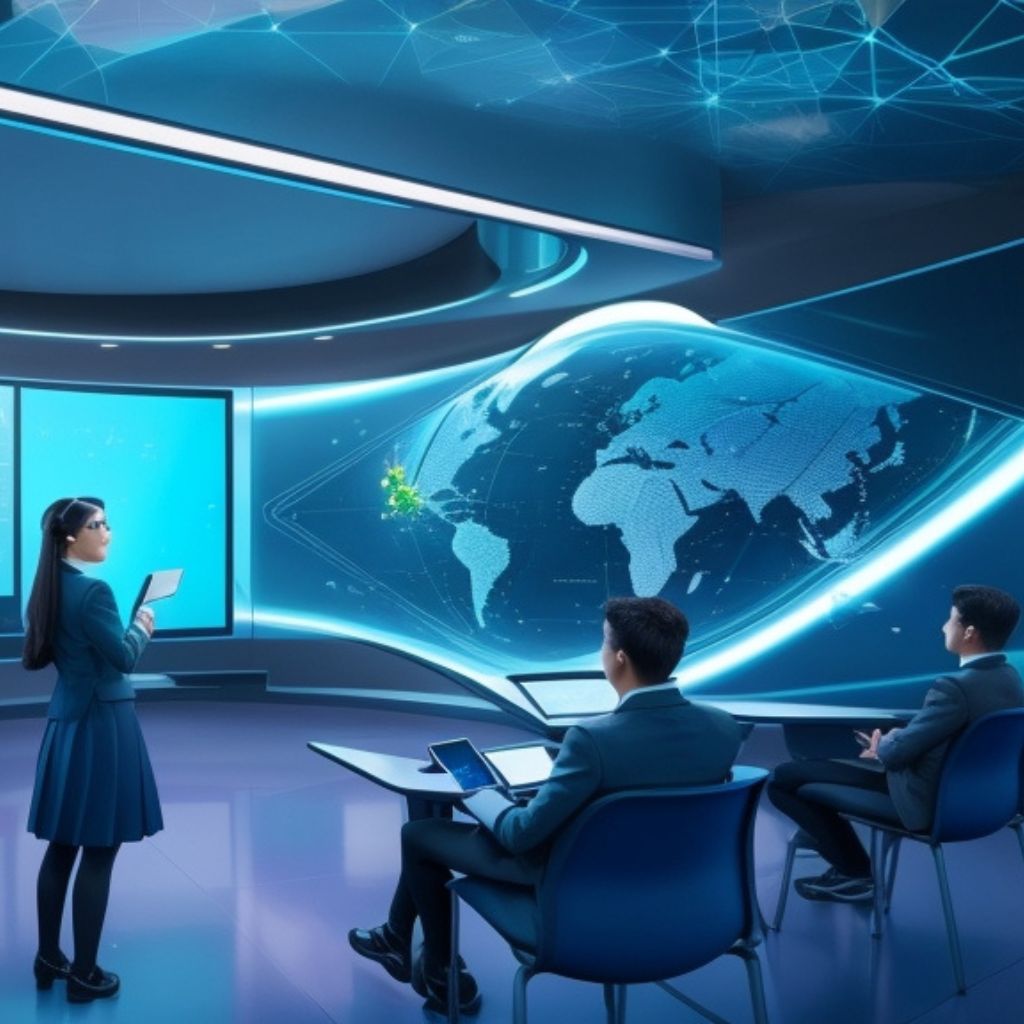
Image-to-video AI is an emerging technology that synthetically generates video content from still images. This opens up new possibilities for creating dynamic educational resources. Converting imagery into short animated videos makes lessons more engaging and concepts clearer.
This guide explores how image-to-video could be applied in online courses, interactive learning tools, and curriculum content. It also covers implementation best practices and integration examples using the Just Think AI platform.

The Potential of Image-to-Video
Image-to-video AI utilizes generative adversarial networks to animate still images with natural motion and sound. Some key benefits for education include:
- Bringing lessons to life – Static images can be transformed into moving scenes that capture learners’ attention and spark deeper engagement.
- Enhancing comprehension – Complex processes and workflows become easier to grasp when students can visualize them in action.
- Increased retention – Animated educational videos are proven to boost retention and information recall versus static content.
- Scalable video production – Educators can rapidly create animation videos from image assets without extensive production costs.
- Customization – Learners can tailor videos to their personal needs and perspectives using their own images.
As the technology improves, image-to-video will become an invaluable tool for producing dynamic multimedia educational resources at scale.
Applications Across Academics
Here are some examples of how image-to-video AI could be applied across different educational contexts:
Science Courses
- Animate biological processes like mitosis and digestion from textbook diagrams
- Simulate chemical reactions using 3D molecule models
- Illustrate physics concepts like gravitational orbits and electromagnetism
- Demonstrate medical and surgical procedures through animated graphics
Math Courses
- Bring graphs, charts and geometric shapes to life with motion and interaction
- Guide students through multi-step equations with narrative video walkthroughs
- Explain mathematical functions and models through animated storytelling
- Visualize word problems using generated characters and scenes
History Courses
- Animate maps to show changing borders and territories over time
- Recreate visual records like architecture and artwork lost to history
- Generate biographical videos on key figures using portrait paintings
- Dramatize major historical events within animated scenes
Literature Courses
- Produce book trailers and animated adaptations of literary works
- Set character poems and monologues to motion graphics
- Bring fictional scenes and creatures to life through imaginative videos
Language Learning
- Animate vocabulary words and phrases through situational videos
- Practice listening comprehension using videos with narrated dialogues
- Demonstrate grammar concepts through animated examples
- Provide visual context for core vocabulary using generated videos
Career Skills Training
- Model workplace tasks and workflows through step-by-step videos
- Practice soft skills like communication and teamwork using role-play videos
- Showcase product/service offerings through animated video demos
- Bring case studies to life by simulating stakeholders and scenarios
The applications span any subject area that could be enriched through dynamic visual media! Learners better understand and apply concepts when they can envision them in action.
Best Practices for Implementation
To effectively leverage image-to-video technology for education, consider these tips:
Focus on Concept Explanation
Prioritize using AI-generated videos to explain challenging topics and processes. Maximize impact by identifying where animation fills critical comprehension gaps.
Maintain Educational Purpose
Ensure all generated videos tie directly to curriculum goals and avoid content that is random or purely entertainment-driven. Produced media should serve clear learning objectives.
Blend with Traditional Video
Integrate AI-generated video elements into traditional educational videos through techniques like green screen composition. Blend generated media with live footage.
Balance Accessibility
Support learners with visual impairments by including descriptive audio tracks or captions. Provide transcripts for generated dialogue.
Manage Student Usage
Monitor how students are using image-to-video tools and media shared online. Ensure fair educational use and appropriate content.
Scout Emerging Risks
Keep pace with the technology’s potential for misuse through monitoring, mitigation strategies, and student education on ethics.
Embrace Iteration
Have students iterate on image inputs, prompts, and settings to incrementally improve output videos tied to learning goals. Refinement builds critical thinking.
Integrating Image-to-Video with Just Think
Just Think’s no-code AI platform streamlines incorporating image-to-video capabilities into educational environments. Key features include:
Intuitive Video Generation
Our visual chatbot lets you instantly animate images through natural prompts. Videos can be downloaded for use across learning tools.
Private Student Accounts
Students can be provisioned with private profiles to store generated videos securely. Work is only visible to administrators and the student by default.
Customized Model Training
Upload relevant image datasets (like science diagrams) to further optimize video output quality for educational concepts.
Moderation and Review
Admins can review all video content produced and filter automatically for inappropriate content through AI and human review.
Sharing Controls
Granular settings control how students can share rendered videos - download, embed externally, add to presentations, etc.
Multimodal Learning
Incorporate generated videos into diverse learning tools like chatbots, digital lessons, flashcards and games. Extend to other modalities like audio generation.
Accessibility Features
Built-in accessibility supports like screen reader capability, captions, and transcript integrations ensure learning equity.
Instructional Examples Using Just Think
Here are examples of how Just Think’s image-to-video AI could be incorporated into teaching across subjects:
Science: Visualizing Cellular Processes
A biology teacher uploads diagrams of mitosis stages into Just Think for students to animate:
“Generate a 45-second video explaining the phases of mitosis with smooth transitions between each cell diagram”
Bringing the cell cycle to life through generated video boosts comprehension.
Math: Animating Word Problems
An algebra teacher has students recreate word problems visually by generating short scene videos:
“Create a 30-second video showing a student buying 7 notebooks that cost $2 each at a school store”
Students gain deeper understanding by modeling scenarios through AI video generation.
History: Mapping Territorial Changes
A history teacher produces timelapse videos showing evolving country borders:
“40-second animated map video showing the changing borders of European countries from 1900 to 2000”
Watching these territorial shifts play out drives home lessons on geopolitics.
Literature: Book Trailers
An English teacher has students generate book trailers from cover images:
“Create a one-minute video trailer introducing the plot, themes, and tone of Lord of the Flies from the book's cover art”
Creative video projects build engagement with reading assignments.
The applications are unlimited with Just Think! Our platform unlocks new multimedia possibilities for educators across disciplines.
Image-to-video AI enables transforming static educational resources into dynamic animated lessons that resonate with modern learners. Just Think provides an easy way for educators to enrich curricula with engaging, pedagogically-focused video content tailored to their unique needs. As generative AI continues advancing, technologies like image-to-video will become invaluable creative tools for enhancing comprehension, retention, and outcomes through multimodal instruction.
FAQ
How can we ensure responsible usage by students?
Use Just Think’s robust controls like filtering, monitoring and private accounts. Educate students on ethical practices. Review content regularly and maintain open communication.
How do we balance accelerated video production with accessibility?
Work accessibility considerations like captions into initial design. Perform quality checks to ensure videos meet accessibility standards, and provide transcripts.
Does AI-generated content undermine traditional media skills?
Ensure it supplements, not replaces traditional media. Focus on core strengths like conceptual visualization. Blend generated elements with professional footage.
How can we integrate this into broadest range of subjects/courses?
Conduct working groups across departments to brainstorm use cases. Find intersections with knowledge visualization goals in any discipline. Support cross-curricular collaboration.
How do we adapt outputs for different grade levels?
Model scenarios, language, concepts and multimedia design based on age-appropriateness. Empower teachers to fine-tune videos tailored to their students’ needs.
How does this technology fit with school standards and frameworks?
The multimedia design process aligns well with critical thinking, creativity, communication and technology fluency standards. Consult standards to guide integration strategies.